
Please upload images to process here:

Photo to Painting

Turn a photo into a painting online with AI
Sign Up to get free credits every month

Processing will take up to 5 sec

Credit Balance:
Add file
Add file or drop files here

Supports JPG, JPEG, PNG, WEBP or BMP up to 30MB and 10000x10000; larger images will be downsized.

Thumbnail Type Input Output Status Name

Processed images


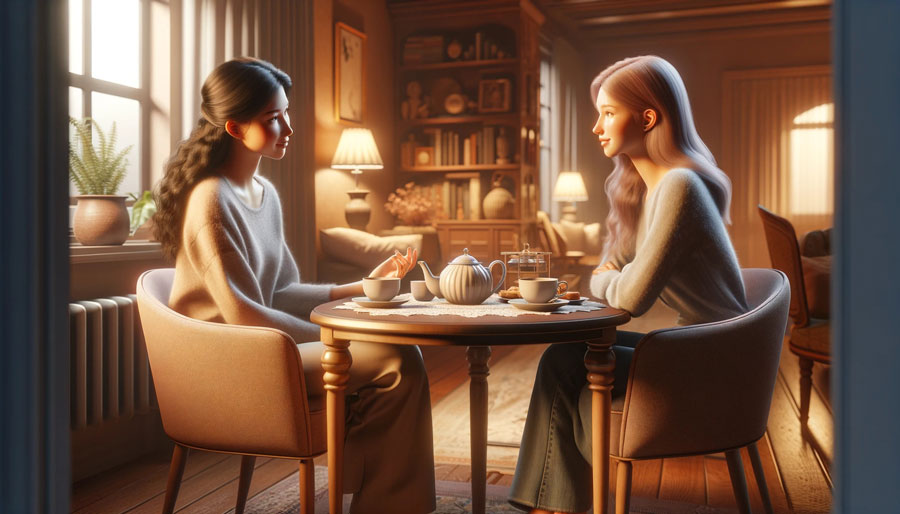
Before turning photo into painting After turning photo into painting

Turn Photo into Painting in One Click

The Picture to Painting tool allows you to transform a regular photo into an artistic painting-style image. By analysing shapes, colours, and lighting in the original picture, the system recreates the scene with painterly textures and brush-like details that resemble traditional artwork. This effect is often used to give portraits, travel photos, or personal images a more creative look. A photo-to-painting transformation can be used for profile pictures, decorative visuals, or unique digital artwork.

Try Photo to Painting!
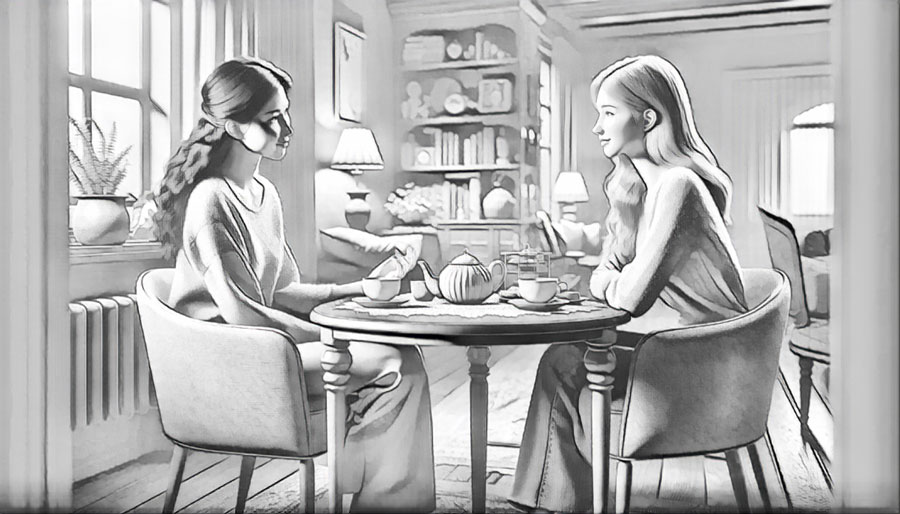
Before picture to drawing After picture to drawing

Turn Photo into Line Drawing

Watercolor effects are only one way to stylize a photo. A regular image can be transformed into a clean line drawing or a soft pencil sketch that looks similar to hand-drawn illustrations. An image to drawing effect is often used for portraits, profile pictures, creative projects, or artistic edits where a sketch-style look adds a unique visual character.

Try Photo to Sketch
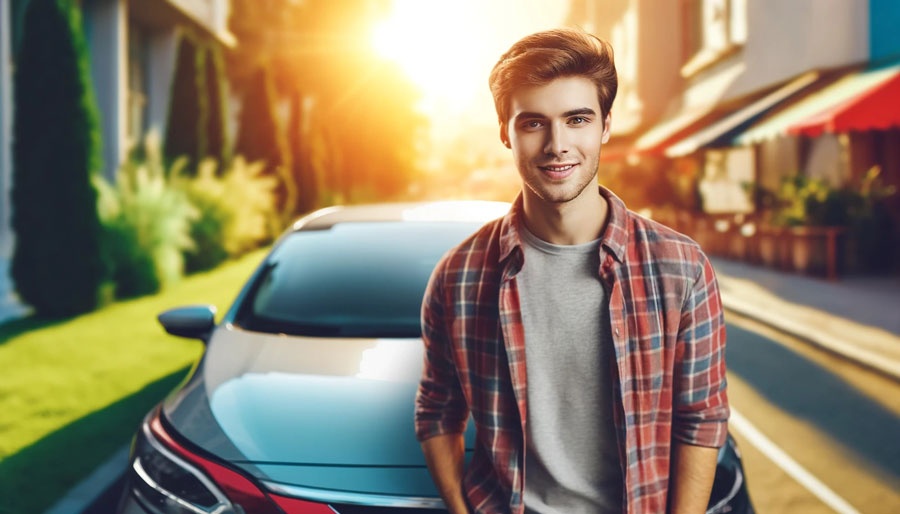
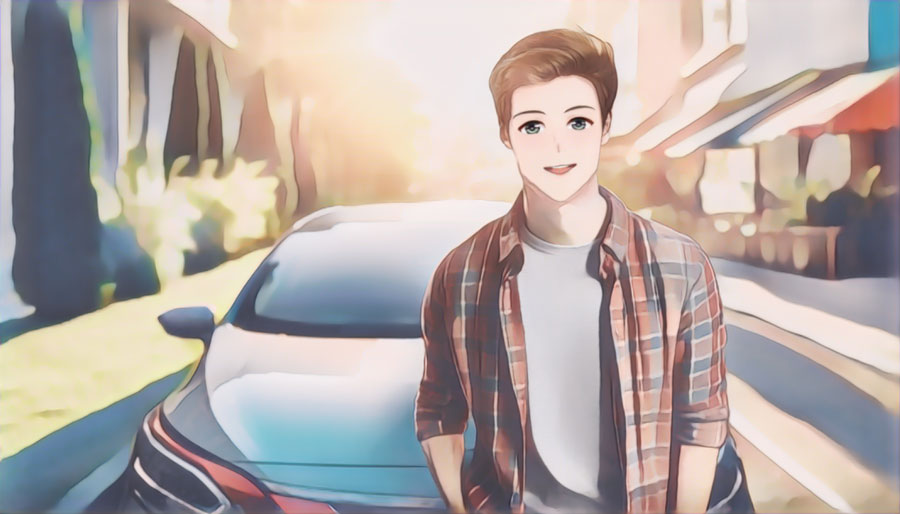
Before photo to anime After photo to anime

Photo to Anime Converter

Anime is one of the most recognizable illustration styles, known for expressive characters and stylized features. With AI, you can convert a regular image to an anime-style portrait in just a few moments. A photo to anime transformation can give portraits and personal photos a creative, animated look inspired by Japanese illustration styles.

Try Photo to Anime

How to make a photo look like a painting?

Unleash your creativity and transform your photos into watercolor masterpieces:

  • Step 1: Upload an image that you wish to convert into painting.
  • Step 2: Patiently wait about 5 seconds.
  • Step 3: After processing, click Edit this image if you want to adjust the result. In the editor, you can crop, rotate or flip the picture, fine-tune colours, apply filters, add watermarks or annotations, or manually set a new size by entering exact dimensions.
  • Step 4: Once the conversion is complete, you will have the option to preview the painting and download it to your device.

No manual photo editing is required, making the photo-to-paint process simple and enjoyable. Discover a fresh and innovative approach to artistic watercolor paint creation with AI today!

What Users Say About Photo to Painting Converter

  • Better than many I have tried where the output bears no relation to the input

    Anonymous

  • INCREDIBLE TOOL

    Anonymous

  • It’s better then most I’ve tried

    Anonymous

  • Amazing !!!!

    Anonymous

  • Good tool

    Anonymous

  • The results are great!

    Anonymous

FAQ:

01

Is Photo into painting tool free?

Yes, with the Photo into Painting AI converter, you can transform up to 3 images per month online for free. This means you can enjoy the transformation of your photos into watercolor art without any cost. For those who require more than 3 transformations per month, we also offer paid subscription plans. Our paid plans start at just $6 per month and provide access to all our tools.
02

What picture can I convert into painting?

By using the AI Photo into Painting tool you can convert a wide range of pictures into paintings, including pets, landscapes, portraits, still life, family pictures, travel shots, and many more. Whether you want to turn a family vacation or dog photo into painting, Techabyte can do it with just a few clicks.
03

Do I need an account to turn photo into painting?

No account is required to turn a photo into a painting – you can use the tool immediately. We provide 5 free credits each month without registration. If you need more conversions or higher limits, you can create an account and choose a subscription plan.
04

How long does a photo to painting conversion take?

The conversion is fast - most images are processed in about 5 seconds.
05

How does the AI Photo to Painting tool work?

An AI picture to painting tool uses deep learning and neural networks to transform a regular image into a painting-style artwork. The system analyzes the uploaded photo to identify objects, colors, shapes, and textures, then recreates the scene using artistic elements that resemble traditional painting techniques. As a result, the photo is converted into a stylized painting effect, such as watercolor, while preserving the main details of the original image.
06

What style do I get with AI Photo Into Painting?

The AI Photo to Painting converter provides only watercolor painting style for your photos. However, Techabyte offers other tools that allow you to turn photos into hand-drawn sketches, anime, or cartoons.
07

Can I use Photo into Painting tool for business (API)?

Currently, we are working on developing API for the photo into painting tool, at the moment service is not available.
08

Does the tool add watermarks to the final result?

No. The Picture to Painting tool does not add any watermarks to the processed images.
09

What image formats are supported?

The Picture to Painting tool supports JPEG (.jpg, .jpeg), PNG, WebP, HEIC, BMP, and PDF formats. If you’re unsure which format to use, read our Best image format guide.
010

When should I use an image to painting converter?

A photo to painting converter is useful when you want to turn a regular image into a more artistic visual. This effect is often used to create personalized artwork, decorative images for home or office spaces, unique gifts, or creative profile pictures for social media. Converting photos into painting-style images can also help preserve memorable moments—such as travel photos, weddings, or pictures of pets—in a more expressive and artistic format.