


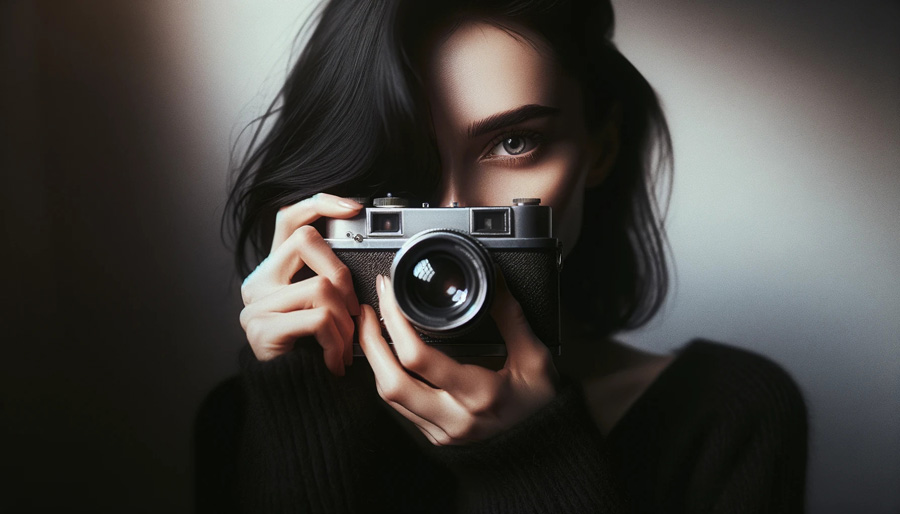
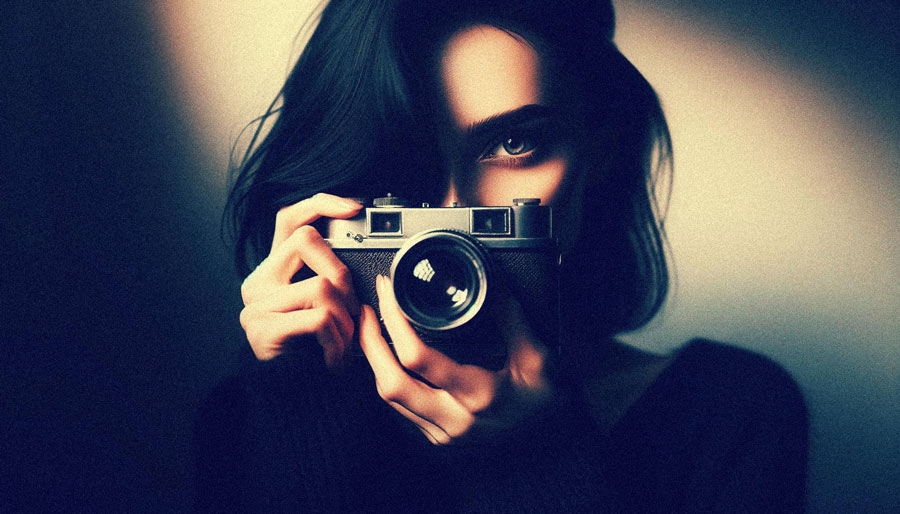


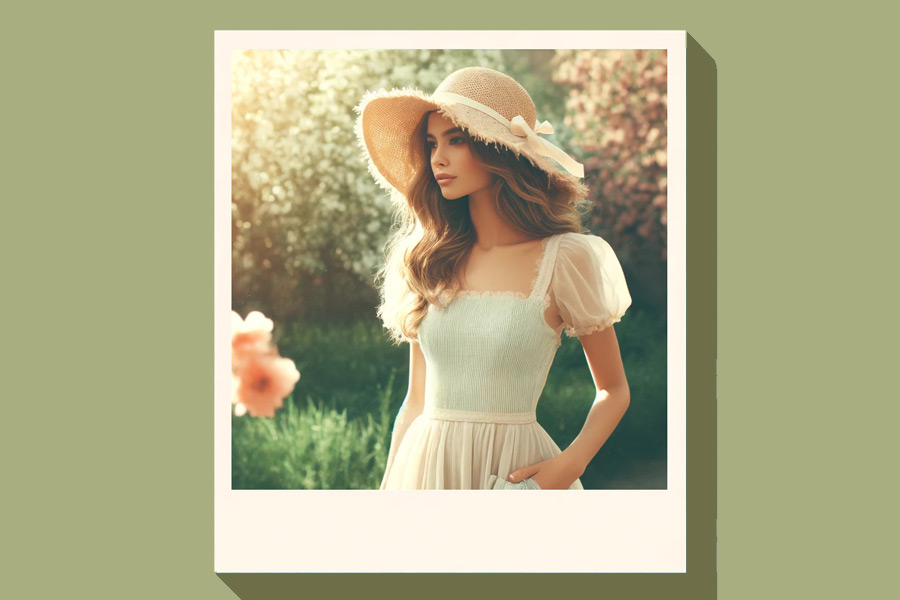

How to make photos look vintage?
Besides vintage and retro filters, we offer retro 90s filters to enhance the retro aesthetics of your photos. Following are the easy and quick steps you need to follow in order to apply these filters to your digital photos.
- Step 1: Click the “Add file” button and select a photo in which you want to make look old.
- Step 2: Select the noise level.
- Step 3: Wait 5-20 seconds.
- Step 4: After processing, click “Edit this image” if you want to adjust the result. In the editor, you can crop, rotate or flip the picture, fine-tune colours, apply filters, add watermarks or annotations, or manually set a new size by entering exact dimensions.
- Step 5: Click to “Download image” and enjoy your retro photo.