

Please upload images to process here:

Photo to Anime

Turn photo into anime styled picture online
Sign Up to get free credits every month

Processing will take up to 5 sec

Credit Balance:
Add file
Add file or drop files here

Supports JPG, JPEG, PNG, WEBP or BMP up to 30MB and 10000x10000; larger images will be downsized.

Thumbnail Type Input Output Status Name

Processed images


Other Tools

  • Before Photo Cartoonizer After Photo Cartoonizer

    Cartoonizer is an online program to convert a regular photo into a cartoon. After processing, your photo will look like a cartoon.

    Photo Cartoonizer
  • Before Photo Cartoonizer After turning photo into sketch

    Conversion photo to sketch is the process of transforming a digital photograph into a hand-drawn sketch or pencil drawing

    Photo To Sketch
  • Before Photo Cartoonizer After turning photo into painting

    Tool converts a general image from your camera to a picture like it has been painted.

    Photo To Painting
Before turning photo into painting image

Turn Photo into Anime

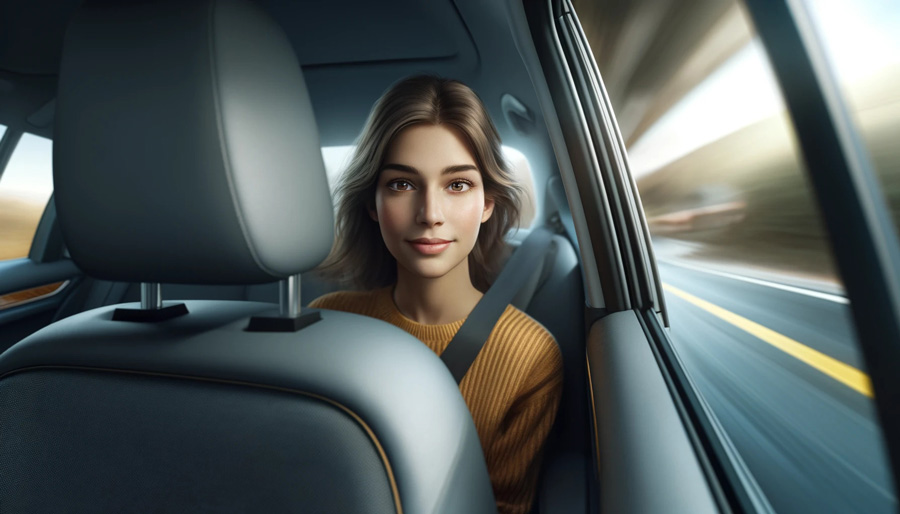
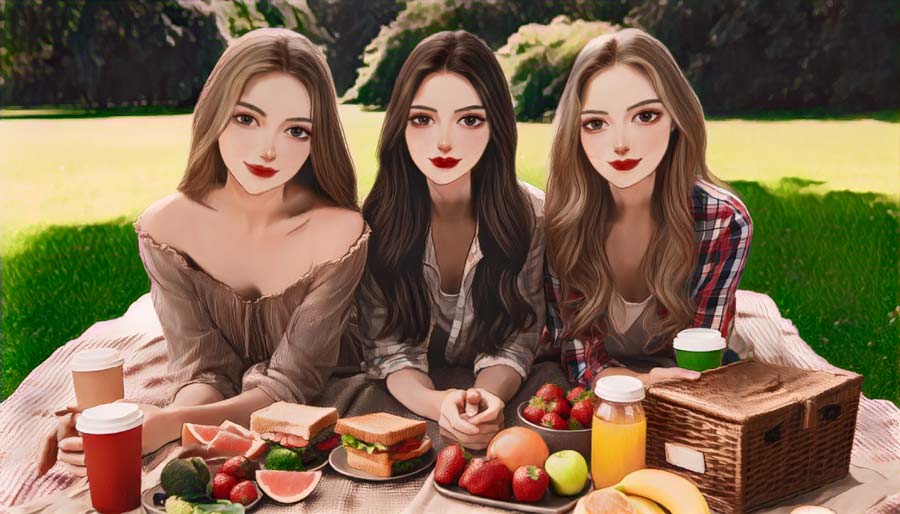
The Photo to Anime tool converts a regular image to a stylized anime character. The system analyzes facial features, proportions, and colors in the original image, then recreates them using visual elements typical for Japanese anime, such as simplified shading, large expressive eyes, and clean illustration lines. This image to anime conversion is commonly used to create anime avatars, stylized portraits, and profile pictures inspired by anime characters.

Try Photo to Anime!
Before photo to cartoon After photo to cartoon

Try to Turn Photo into Cartoon

While anime focuses on stylized characters inspired by Japanese animation, cartoon effects follow a different visual style with simplified shapes, bold outlines, and brighter colors. If you want a more playful or comic-like look, you can turn a picture into a cartoon. The photo to cartoon tool recreates your image as a cartoon-style character while preserving the main facial features of the original photo.

Try Photo to Cartoon!
Before turning photo into painting After turning photo into painting

Turn an Image into Painting

If you want a softer and more classic visual look, you can convert your photo to painting. This tool recreates the scene using painterly textures, color blending, and brush-style details. This approach can turn an ordinary photo into artwork that resembles a hand-painted illustration while keeping the main elements of the original image recognizable.

Try Image to Painting!

How to turn a photo into anime?

This tool is built to be very easy to use, so turning a regular photo into an anime-style takes only a few quick steps:

  • Step 1: Click the “Add file” button and upload the image you want to convert to anime.
  • Step 2: Wait about 5 seconds.
  • Step 3: After processing, click Edit this image if you want to adjust the result. In the editor, you can crop, rotate or flip the picture, fine-tune colours, apply filters, add watermarks or annotations, or manually set a new size by entering exact dimensions.
  • Step 4: Check and download your anime image.

What Users Say About Our Image to Anime Converter

  • Better than many I have tried where the output bears no relation to the input

    Anonymous

  • INCREDIBLE TOOL

    Anonymous

  • It’s better then most I’ve tried

    Anonymous

  • Amazing !!!!

    Anonymous

  • Good tool

    Anonymous

  • The results are great!

    Anonymous

FAQ:

01

How does a photo to an anime converter work?

Our Photo to Anime converter uses a Convolutional Neural Network (CNN) trained on both anime and general images. Thanks to it the human emotions captured in the original photo are retained. Also, our tool preserves all the elements from the uploaded photo, including people, mountains, and other objects in a picture while transforming it into an anime style.
02

What Type Of Photos Can I Convert Into Anime?

You can convert various types of photos into anime using Photo to Anime such as portraits, landscapes, objects, and more. The versatility of the tool allows you to transform a wide range of image types into anime style.
03

Should I download any software to use Photo to Anime?

Photo To Anime is an online tool that does not require installation. It operates through a web-based interface, allowing you to convert images conveniently without the need for additional software.
04

Is my uploaded image kept secure?

We take your privacy seriously. All images are handled securely and automatically removed from our servers within 30 minutes after processing.
05

Is photo to anime converter free?

The online image-to-anime converter can be used for free without a login for up to 5 images per month. However, when you create an account on the imageupscaler.com we will add 6 credits to your balance every month. If you require more conversions, you can purchase a plan.
06

What File Formats Can I Save My Anime Artwork In?

You can download your anime artwork in either JPEG, PNG, WebP, HEIC, BMP, PDF, TIFF, AVIF, and JFIF file format depending on the format of your original picture. These formats ensure compatibility with various devices and applications. To learn how to choose the right image format, check our, read our Best image format guide.
07

Can photo to anime results be used commercially?

Yes, photo to anime results may be used for commercial purposes in accordance with our Terms of Service and Privacy Policy. All exported images come in high quality and without watermarks.
08

How long does a picture to anime conversion take?

The conversion is fast - most images are processed in about 5 seconds.